


Github Autopilot

Github Autopilot - The AI Pair Programmer for the Modern Developer

AI coding assistant that suggests code and accelerates software development.

Coding Paid
Try Tool

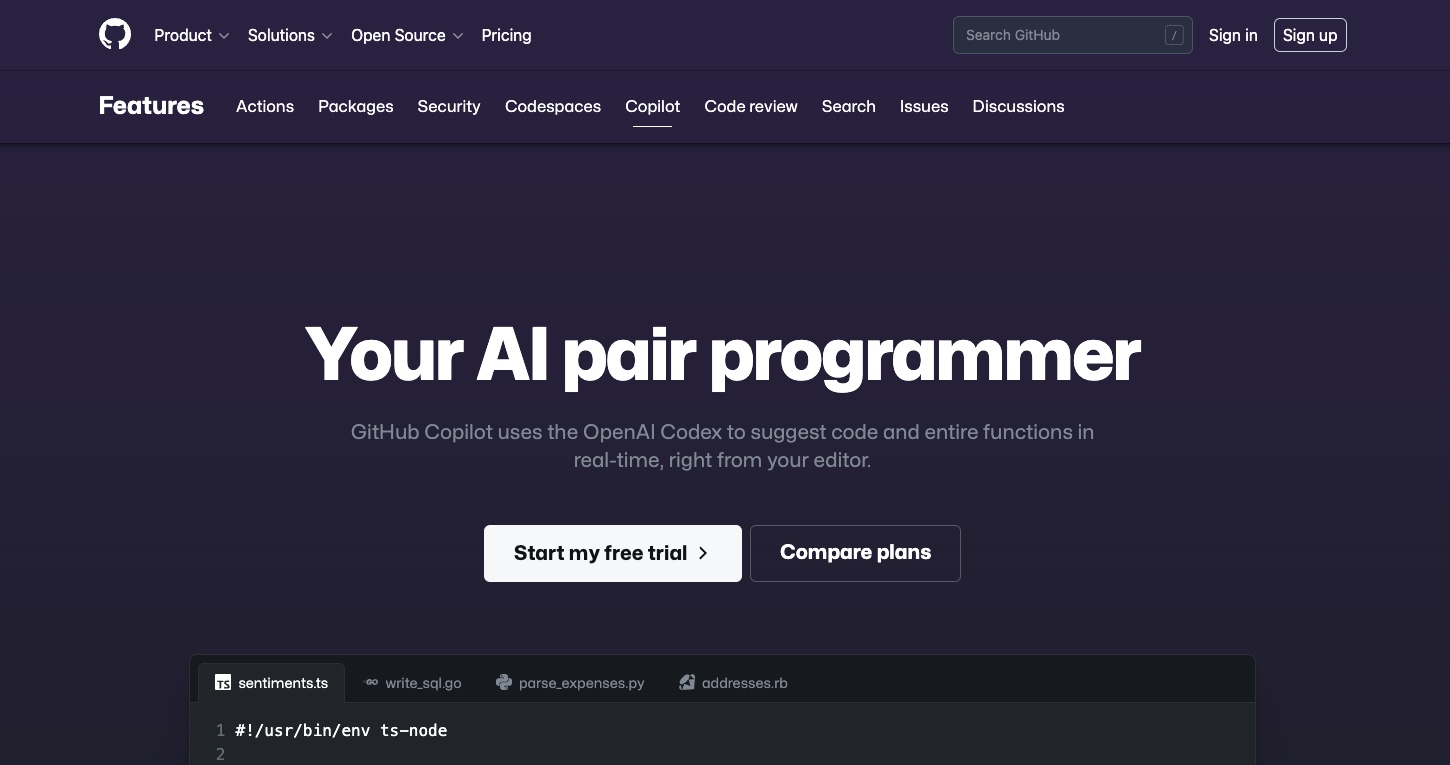
GitHub Copilot (often colloquially referred to as “Autopilot”) is the world’s most widely adopted AI developer tool. Developed by GitHub in collaboration with OpenAI, it acts as an AI pair programmer that assists developers by providing real-time code suggestions, writing entire functions, and automating the “boilerplate” tasks of software engineering. In 2026, it has evolved into a full-scale AI-native development environment that understands entire codebases, not just individual files.


What is GitHub Copilot?

GitHub Copilot is an AI-powered extension for code editors (like VS Code, JetBrains, and Visual Studio) that helps you write code faster and with less effort. It is trained on billions of lines of open-source code, allowing it to “predict” the next line of code based on the context of what you are currently writing. Whether you are building a simple website or a complex machine learning model, Copilot provides a “tab-to-complete” experience that feels like having an expert developer sitting next to you.


Key Features of GitHub Copilot

  • Autofill for Code: As you type, Copilot suggests snippets, lines, or entire blocks of code. You can simply press “Tab” to accept the suggestion.
  • GitHub Copilot Chat: A conversational interface within your IDE that allows you to ask questions about your code, request refactoring, or ask for explanations of complex logic.
  • Copilot Extensions: In 2026, Copilot integrates with external tools like Docker, Sentry, and Azure, allowing you to debug infrastructure or deploy apps directly through the AI chat.
  • Unit Test Generation: Instantly generates comprehensive test suites for your functions, ensuring your code is robust and bug-free without the manual labor.
  • Legacy Code Modernization: Copilot can analyze old or “spaghetti” code and suggest modern, more efficient rewrites in the latest language syntax.
  • GitHub Copilot Workspace: A specialized environment where you can describe a feature or a bug in plain English, and the AI plans, writes, and tests the entire pull request for you.

Why Choose GitHub Copilot?

  • Flow State Maintenance: It significantly reduces the time spent searching for syntax or documentation on Stack Overflow, keeping you focused on the problem-solving aspect of coding.
  • Language Versatility: It excels in virtually every programming language, including Python, JavaScript, TypeScript, Ruby, Go, C#, and C++.
  • Security Vulnerability Detection: Includes a built-in “security filter” that automatically blocks common insecure code patterns and suggests safer alternatives.
  • Enterprise Scalability: Provides organizations with tools to manage access, ensure compliance with open-source licenses, and maintain a private knowledge base for internal code.

Who Should Use GitHub Copilot?

  • Software Engineers: To speed up daily development tasks and reduce the cognitive load of repetitive coding patterns.
  • Beginner Developers: To learn new languages and frameworks by seeing how the AI structures code in real-time.
  • DevOps Professionals: To quickly generate YAML files, Dockerfiles, and CI/CD pipelines.
  • Data Scientists: To automate the creation of data cleaning scripts and visualization code using libraries like Pandas and Matplotlib.

Pros and Cons of GitHub Copilot

Pros

  • The deepest integration into the developer workflow (VS Code, GitHub, etc.).
  • Massively increases productivity for repetitive “boilerplate” code.
  • Excellent at translating natural language comments into working code.
  • Constant updates ensure it stays current with the latest libraries and frameworks.

Cons

  • Can occasionally suggest “hallucinated” code or outdated library versions if not monitored.
  • Requires a human “sanity check” to ensure the logic perfectly matches the specific business requirements.
  • Monthly subscription cost may be a factor for individual hobbyists (though free for students).

Final Wording for GitHub Copilot

GitHub Copilot is the premier choice for the developer who wants to spend more time thinking about what to build and less time on how to type it. It has shifted the paradigm of software development from manual labor to high-level orchestration. In 2026, Copilot is no longer just a luxury—it is the essential “standard issue” tool for any modern engineering team aiming to ship high-quality software at the speed of thought.

Similar Coding AI Tools